ESIM And Pocket WiFi For Kyoto
Kyoto's temples sit in shallow stone valleys, its station is a mile of steel and glass, and its rail links to the rest of Japan run through long tunnels. All three situations stress a phone connection differently, and the choice between an ESIM and a pocket WiFi router decides how much of that you notice.
Short answer
An ESIM is the stronger default for Kyoto: you activate it before you land at Kansai Airport, it costs nothing to keep in reserve until the day you travel, and it works on the Shinkansen and in most temple grounds. Pocket WiFi suits groups, since one router covers several phones, but it is one more thing to charge, collect and return.
Kyoto drew a record 62.79 million visitors in 2025, the city's own survey release of June 2026 reports, and almost every one of them arrived holding a phone that needed to work. The question is rarely whether to be connected in Japan, it is which tool to carry: an embedded SIM you download before you fly, or a pocket WiFi router you collect at the airport and return before you leave. The answer changes with your group size, your itinerary and how much of Kyoto's east side you plan to walk.
This page works through the decision in Kyoto's own terms: the airport arrival, the temple grounds, the Shinkansen leg, and the buses and subway you will ride between them. Where a price or a coverage figure is not in this site's verified fact base, it says so plainly, because a confident guess about a data plan is worse than no number at all.
Which Japan ESIM Works Best In Kyoto Temples And On The Shinkansen?
The honest answer is that no single Japan ESIM is measurably best for Kyoto, because every major Japan travel ESIM rides on the same national networks, and the differences that matter are the ones on the operator's live listing: how many gigabytes, how many days, whether it throttles after a cap, and whether it activates before you land. Choose on those terms, not on a brand name, and check the listing's own coverage statement for the areas you plan to visit.
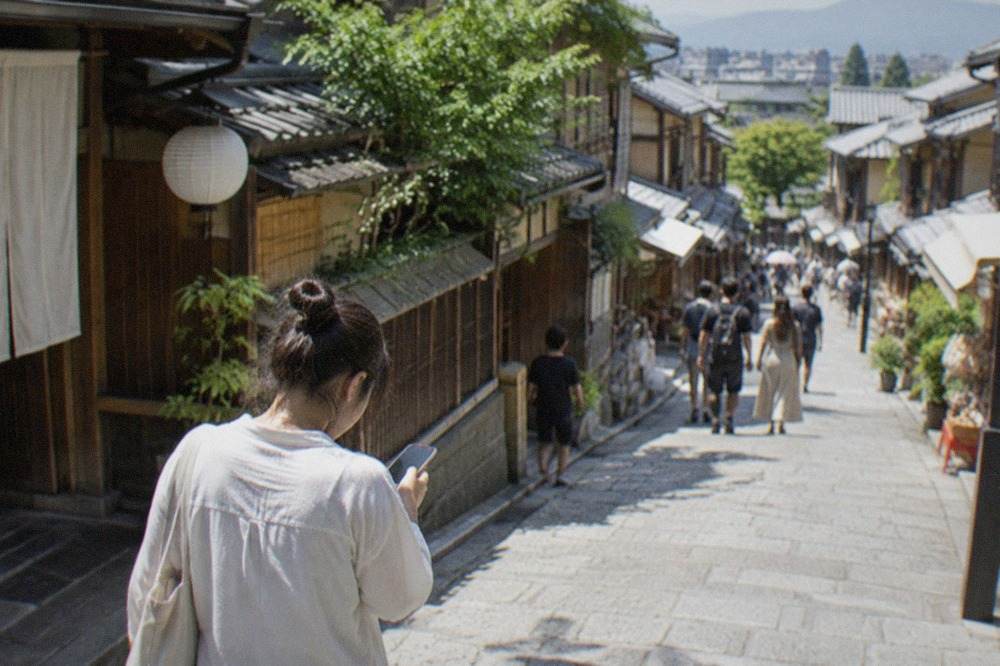
What Kyoto adds to the equation is terrain. The Higashiyama temple district runs up a hillside, the Arashiyama sights sit against a river gorge, and the rail corridors to Tokyo and Osaka pass through extended tunnels. A connection that works on Shijo-dori can thin out inside a temple's wooden halls simply because the building sits in a stone hollow. None of this is unique to one network.
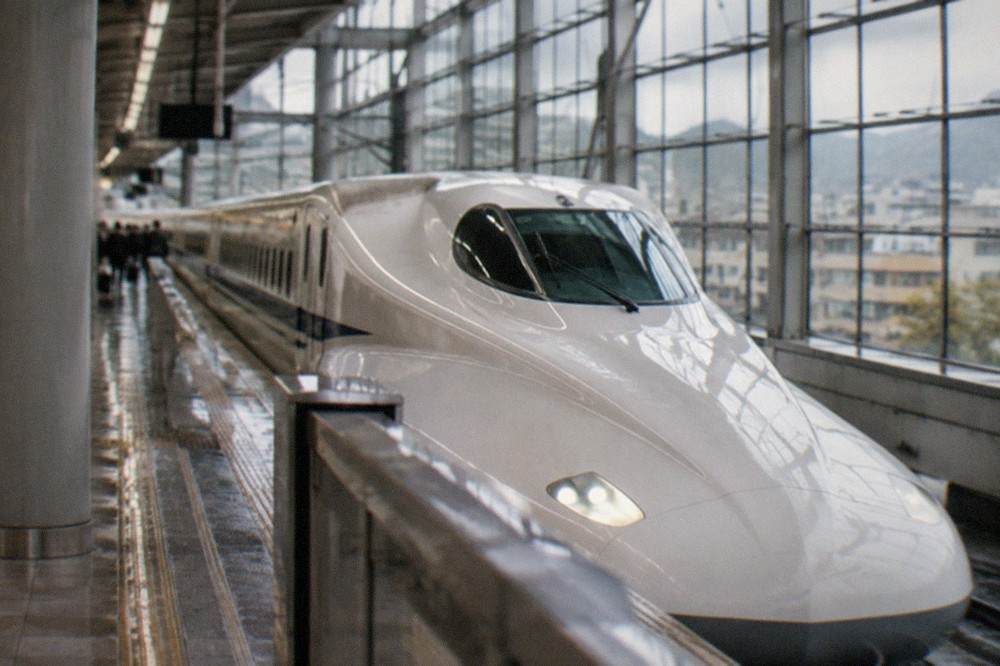
The Shinkansen is the other test. Between Kyoto and Tokyo the train spends a large share of the journey underground or in cutting, so any connection, ESIM or router, drops in and out by design. Download your maps and tickets before boarding and treat the ride as intermittent.
ESIM Or Pocket WiFi For Kyoto: Which Should You Choose?
For a solo traveller or a couple, an ESIM wins on almost every axis: it is bought and activated from home, it cannot be lost or left in a hotel safe, it needs no daily charging beyond your phone's own, and there is nothing to return at a airport counter before you fly home. Pocket WiFi wins for groups of three or more, where one router serving several devices costs less per person, and for travellers whose phone is carrier-locked or too old to hold an ESIM.
The group arithmetic is the real decider. A router is a single object with a single plan covering everyone within a few metres of it. The trade is battery life, which the operator's own specification states, and the return: most rental services want the unit back at an airport counter or a mailbox before departure, and a missed return carries a fee the rental terms set.
The lock question matters more than people expect. An ESIM only works in a phone that is both unlocked and eSIM-capable, and both facts are checkable in your phone's settings before you buy anything. If either check fails, pocket WiFi or a physical travel SIM are the remaining options.
| Factor | ESIM | Pocket WiFi router |
|---|---|---|
| Setup | Download and activate before departure | Collect at airport counter or receive by mail |
| Devices covered | One phone per ESIM | Several devices, per the rental terms |
| Daily charging | Your phone only | Router plus phone |
| Loss risk | None beyond the phone | Replacement fee, per the rental terms |
| Return requirement | None | Counter or mailbox return before departure |
| Works if phone is carrier-locked | No | Yes |
| Best for | Solo travellers, couples | Groups, locked phones |
Whichever way you lean, the rest of your Kyoto planning does not change: the things to do in Kyoto list works the same with either connection, and so does every fare and fee on this site.
How Do You Activate A Japan ESIM Before You Land At Kansai Airport?
Activation is a two-step process done entirely at home: you buy the ESIM from the operator's live listing, scan the QR code it emails you, and install the profile on your phone while you still have reliable WiFi. The plan then sits dormant until it detects a Japanese network, so installing it days early costs nothing. The one rule is to finish installation before you board, because airport WiFi at Kansai is shared by every passenger on your flight.
The sequence matters because of how the airport is laid out. Kyoto has no airport of its own: readers arrive through Kansai International (KIX) or Itami, and the default rail link from KIX is the JR HARUKA. The JR West HARUKA One-way Ticket for foreign visitors costs 2,200 yen to Kyoto, 1,100 for a child, and the journey takes about 80 minutes. If your ESIM is already installed, you walk from the platform to the ticket machine with a working map. If it is not, you are doing QR codes over crowded airport WiFi with your luggage in tow.
Two practical notes from the verified transport facts. First, the ICOCA IC card costs 2,000 yen including a 500 yen deposit, and it is the thing you will actually tap at the gates, so sort the ESIM and the IC card as two separate jobs. Second, if you land at Itami instead, the Hankyu Kanko limousine bus to Kyoto Station costs 1,500 yen adult and 750 child, takes about 50 to 55 minutes from the Hachijo exit, and has accepted contactless card payment since 1 March 2026, which means you can board without cash even before your connectivity is sorted.
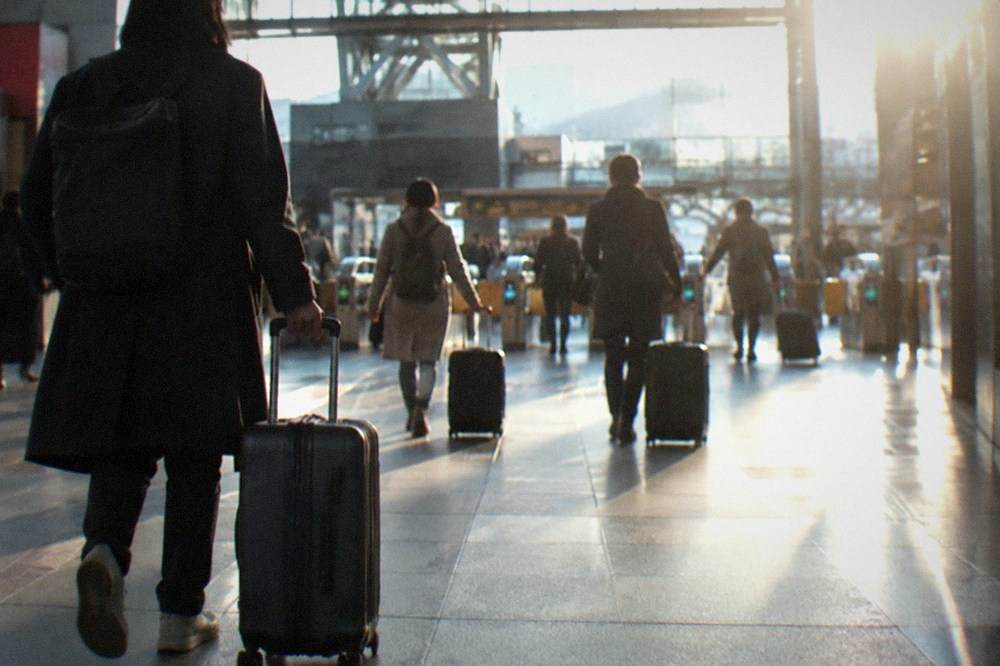
The station itself is worth a slow look once you are connected. The Kyoto Station area holds the bus terminal, both subway lines and a run of restaurants, and it is the natural place to test your connection before you commit to a day of navigation.
Does An ESIM Work Inside Kyoto Temples And On The Shinkansen?
Inside Kyoto's temple grounds, an ESIM behaves like any other phone connection: it works in open courtyards and on approach paths, and it can thin inside deep wooden halls and in the stone valleys where several of the famous temples sit. On the Shinkansen it works in stretches and drops in tunnels, for every provider equally. Neither situation is a reason to choose one operator over another, and both are reasons to download offline maps before you set out.
The temple side of the question is really a behaviour question. Kyoto's temples charge admission, and the queue at the gate moves faster if your ticket is already on your phone. The verified fees: Kinkaku-ji 500 yen adult and 300 for school-age children; Ginkaku-ji 1,000 yen adult and 500 child from 1 April 2026, double the old 500; Ryoan-ji 600 / 500 / 300; Sanjusangen-do 600 / 400 / 300; Nijo-jo Castle 800, or 1,300 with the Ninomaru-goten Palace. A working connection at the gate means no fumbling, but a downloaded screenshot of the ticket works just as well.
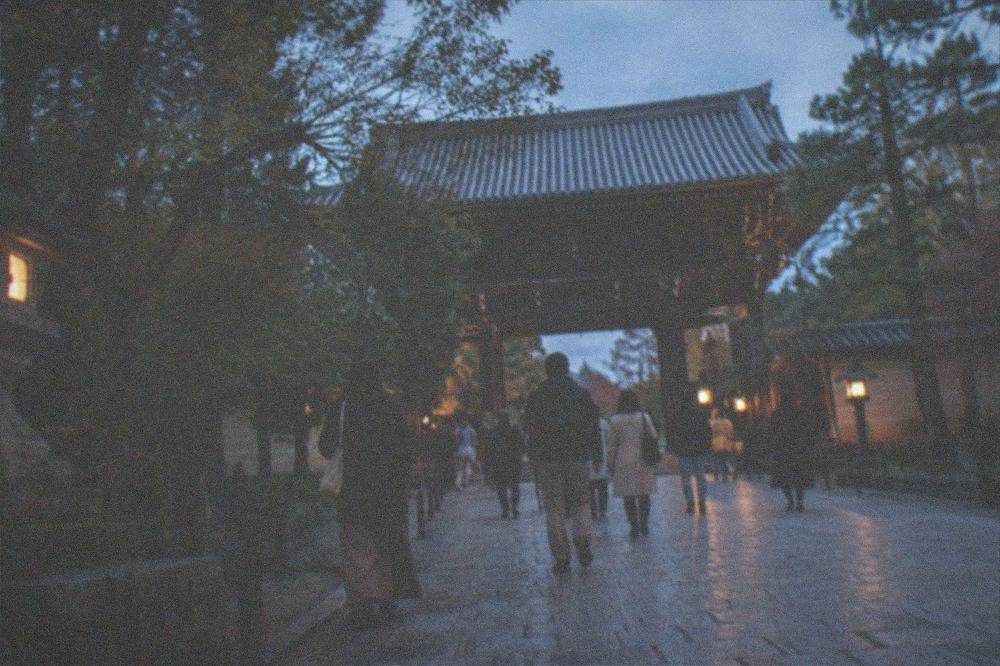
The deeper point is that a day of temple-hopping in Kyoto is mostly a walking day, and walking days are exactly when offline maps shine. The Kyoto temples guide lays out the east-side chain, and once you have the route cached, a dropped signal in a hall becomes a non-event.
The Shinkansen deserves one more line: the Kyoto to Tokyo run is the leg where people notice connectivity most, because the alternative, if you came by rail from the capital, is covered in the Tokyo to Kyoto guide. Either way, the rule is the same. Board with your maps, tickets and reservations already on the device.
What Does Getting Around Kyoto Cost With An ESIM Instead Of A Pass?
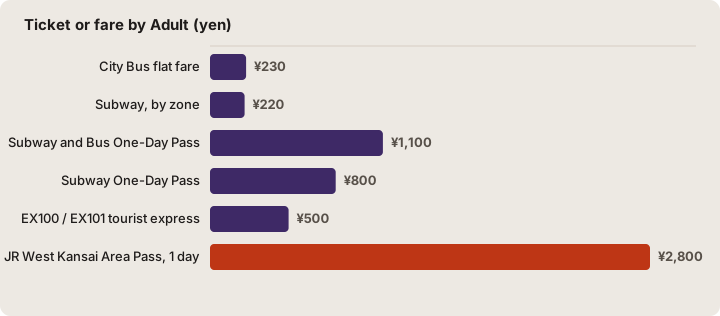
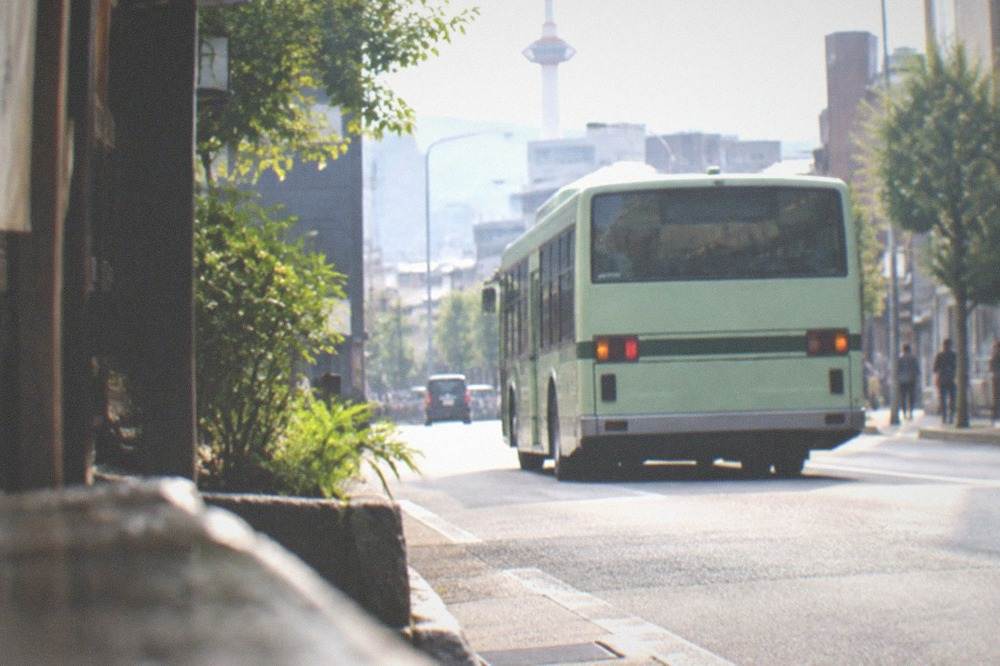
Getting around Kyoto costs the same whether you carry an ESIM or a router, because the fares are fixed by the city, not by your connectivity: the City Bus flat fare is 230 yen adult and 120 child, the subway runs 220 to 360 yen by zone, and the Subway and Bus One-Day Pass is 1,100 yen adult and 550 child. What an ESIM changes is not the fare but how easily you find the right bus stop in real time.
The pass landscape changed in a way many older guides still get wrong. The bus-only one-day pass no longer exists: sales ended at the end of September 2023 and the last day of use was 31 March 2024. The product now is the Subway and Bus One-Day Pass, and the city's own transport pages price it. There are also the EX100 and EX101 tourist express buses at 500 yen adult and 250 child in cash, which accept IC cards and link Kyoto Station to the Kiyomizu side, Gion and Ginkaku-ji with fewer stops.
| Ticket or fare | Adult | Child | Notes |
|---|---|---|---|
| City Bus flat fare | 230 yen | 120 yen | Ages 6 to 11 for child fare |
| Subway, by zone | 220 to 360 yen | 110 to 180 yen | Five zones |
| Subway and Bus One-Day Pass | 1,100 yen | 550 yen | Replaced the abolished bus-only pass |
| Subway One-Day Pass | 800 yen | 400 yen | Subway only |
| EX100 / EX101 tourist express | 500 yen | 250 yen | Cash or IC, fewer stops |
| JR West Kansai Area Pass, 1 day | 2,800 yen | see JR West page | Regional rail |
Connectivity earns its keep at the margins of these numbers. The EX101 runs to the Kiyomizu side every 7 to 8 minutes in the morning on operating days, the city transport pages state, and knowing that in the moment, rather than at the hotel the night before, is what a live connection buys. The same goes for the comfort forecast: the Kyoto Tourism Comfort Forecast publishes a five-level crowd prediction for spots and areas by time slot, built from location data, weather and the day of the week. It is the single most connection-dependent tool a Kyoto visitor has, and it is free on the city's tourism site.
Where Does Connectivity Actually Matter On A Kyoto Itinerary?
Connectivity matters most at four points in a Kyoto day: the morning navigation from your hotel to the first sight, the midday pivot when a temple turns out to be crowded and you reroute, the evening search for a specific restaurant, and any day trip, where a missed train connection costs an hour. It matters least inside the sights themselves, where you are looking at a garden, not a screen, and where offline maps cover the approach.
The reroute case deserves emphasis, because Kyoto's crowd pressure is now a planning fact, not a feeling. The city's 2025 survey counted 62.79 million visitors, 12.68 million of them foreign, and the city's overtourism measures for 2025 and 2026 include dispersal campaigns, express buses and luggage delivery. In practice that means the comfort forecast and a live map are the two tools that let you shift a Fushimi Inari visit two hours earlier or swap a crowded gate for a quieter one.
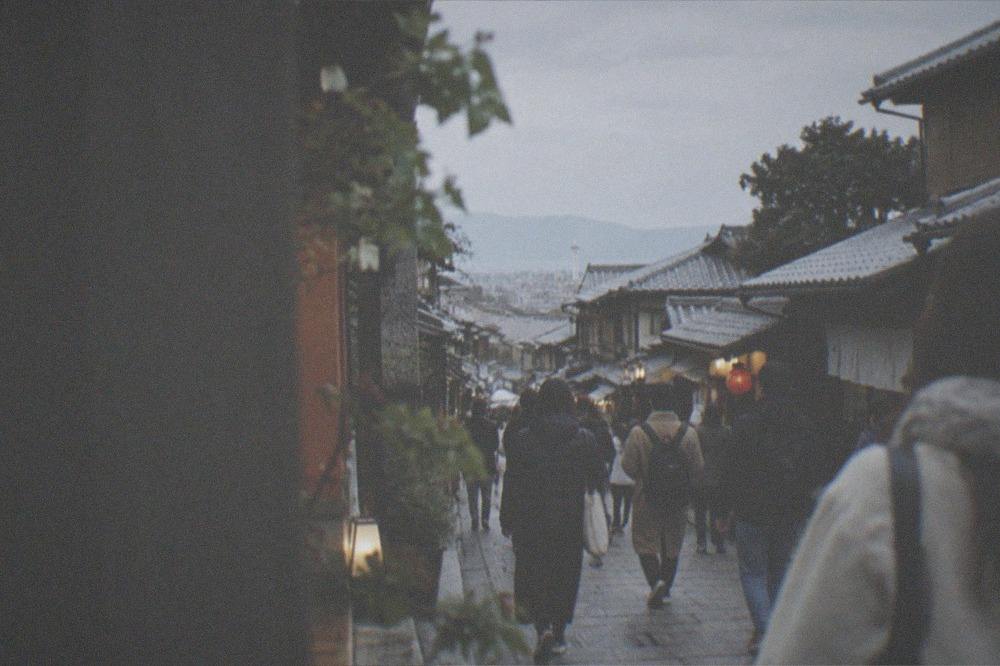
Day trips raise the stakes. Nara is about 45 minutes from Kyoto by JR Miyakoji Rapid at 720 yen one-way, or about 35 minutes by Kintetsu limited express at 1,280 yen total including the surcharge. Uji is 240 yen on the JR Nara Line. These are short hops, but they involve two stations, two ticket machines and a return time, and that is a lot of small lookups. The day trips from Kyoto framework applies here, and the Kyoto vs Osaka question, if you are splitting a trip, turns on the same kind of rail arithmetic.
Rainy days are the other connectivity-heavy case. The Kyoto rainy day plan leans on museums and covered arcades, and the Kyoto weather guide explains the pattern worth knowing before you rely on any forecast app: July, not June, is Kyoto's wettest month, 223.6 mm against 199.7 mm in the JMA 1991-2020 normals. A weather app that says otherwise for Kyoto is misreading the city.
What Are The Alternatives To An ESIM In Kyoto?
The alternatives are a physical travel SIM, roaming on your home plan, the free WiFi at Kyoto Station and in cafes, and plain offline maps with an IC card. Each covers part of the need: roaming is the most expensive per megabyte in most home plans, physical SIMs suit phones that cannot hold an ESIM, station and cafe WiFi covers a lunch stop but not a walking route, and offline maps plus ICOCA covers a confident traveller on a fixed itinerary almost entirely.
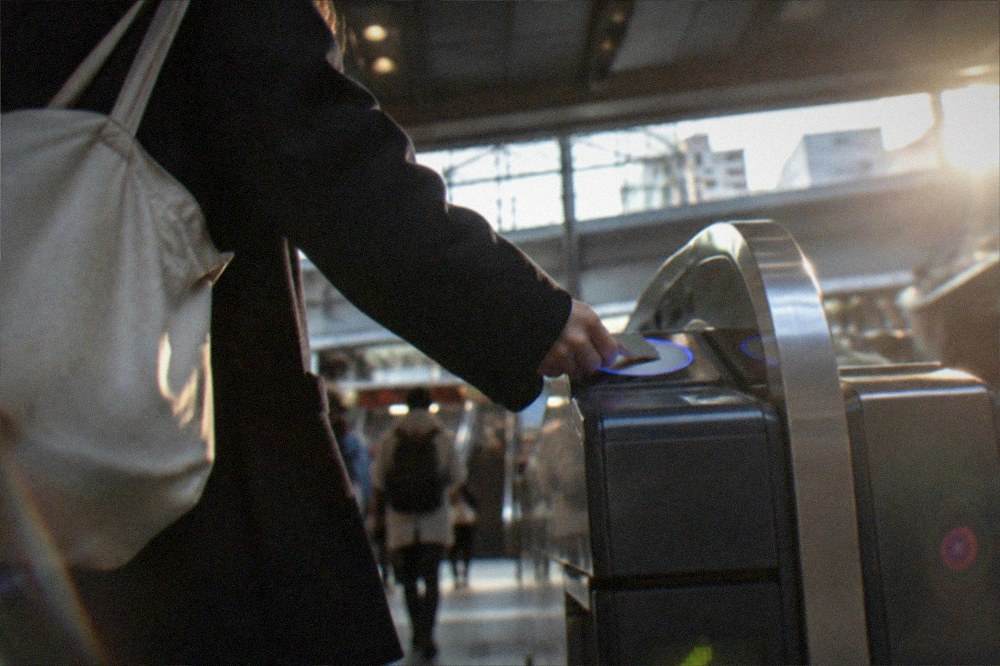
The offline combination deserves a serious hearing, because much of Kyoto's navigation is legible without any connection. The subway is two lines with bilingual signage, the bus network is dense and the flat fare is simple, and the ICOCA card, 2,000 yen including a 500 yen deposit, handles every gate and bus tap. A traveller who downloads the city map, the temple tickets and the Kyoto hidden gems list at the hotel can walk a full Higashiyama day with the radio off.
What offline cannot cover is the live layer: the comfort forecast, the reroute, the "is the last Hozugawa boat sold out" question. The Hozugawa Kudari river boat costs 6,000 yen adult and 4,500 child, the operator's own ticket page states, and same-day availability is exactly the kind of thing you want to check before travelling out to Arashiyama. That is the moment a data connection pays for itself.
The Kyoto accessibility guide is another offline-first case: its route notes are static, and a printed or cached version works as well as a live one. The same holds for the Kyoto at night walk, where the sights are lit and the route is short.
How Much Data Do You Actually Need For A Kyoto Trip?
For a typical Kyoto day of maps, lookups and messaging, most travellers use well under a gigabyte, and a modest plan covering your full trip length is usually enough; the heavy consumers are video calls, hotspot tethering for a laptop, and social video uploads. No data-per-day figure for Japan specifically is in this site's verified fact base, so size your plan against your own phone's settings screen, which shows your actual usage for the past month.
That last point is worth dwelling on, because connectivity is the one subject where invented numbers are most common. Your phone already holds the only figure that matters: the per-month mobile data usage in your settings, for a month that resembled travel, heavy on maps and photos and light on home WiFi. Halve it if you plan to lean on hotel and cafe WiFi, and you have a better estimate than anything a stranger's blog can offer.
| Use case | Typical data weight | Offline workaround |
|---|---|---|
| Maps and navigation | Light | Download offline maps at the hotel |
| Messaging and email | Light | Queue messages for WiFi |
| Photo backup | Heavy | Back up nightly on hotel WiFi |
| Video calls | Heavy | Schedule for hotel WiFi |
| Hotspot for a laptop | Heavy, per device | Pocket WiFi serves a group better |
| Live crowd and train tools | Light | Check once at the hotel, screenshot |
Tethering is the one case that pushes the ESIM-versus-router question back to the front. If you need a laptop online in the evenings, a router's shared pool and its own battery may beat draining your phone as a hotspot. If your evenings are photo-sorting and messaging, hotel WiFi carries that load and the ESIM stays light.
Common Questions About ESIM And Pocket WiFi For Kyoto
Which Japan ESIM works best in Kyoto temples and on the Shinkansen?
No single brand is measurably best: Japan travel ESIMs ride on the same national networks, and the differences that matter are on the operator's live listing, the data allowance, the duration, the throttling policy and pre-departure activation. Coverage inside temple halls and in Shinkansen tunnels varies by terrain for every provider equally, so download offline maps before you set out.
Can I activate a Japan ESIM at Kansai Airport instead of at home?
You can, but it is the worse sequence. Airport WiFi at Kansai is shared by everyone on your flight, and the QR-code installation is easier on your home connection. Install the profile days before you fly: the plan sits dormant until it detects a Japanese network, so early installation costs nothing.
Is pocket WiFi better than an ESIM for a family trip to Kyoto?
Usually yes. One router covers several devices within a few metres, which suits a family walking together, and it sidesteps the carrier-lock and ESIM-support questions entirely. The trade-offs are daily charging and the return before departure, which the rental terms set.
Does the phone connection work on the HARUKA train from Kansai Airport to Kyoto?
The HARUKA run to Kyoto takes about 80 minutes and passes through tunnels, so any connection, ESIM or router, comes and goes. The fare side is settled either way: the JR West HARUKA One-way Ticket for foreign visitors is 2,200 yen adult and 1,100 child to Kyoto.
Do I still need an IC card if I have an ESIM?
Yes. The ESIM is data only, it does not pay fares. The ICOCA card, 2,000 yen including a 500 yen deposit, is what you tap at subway gates and on buses, and the Subway and Bus One-Day Pass at 1,100 yen covers a day of both.
Will an ESIM help me avoid Kyoto crowds?
Indirectly, yes. The city's Tourism Comfort Forecast publishes a five-level crowd prediction by spot, area and time slot, and it needs a live connection to consult. With 62.79 million visitors recorded in 2025, checking it before you leave the hotel is the cheapest crowd tool there is.
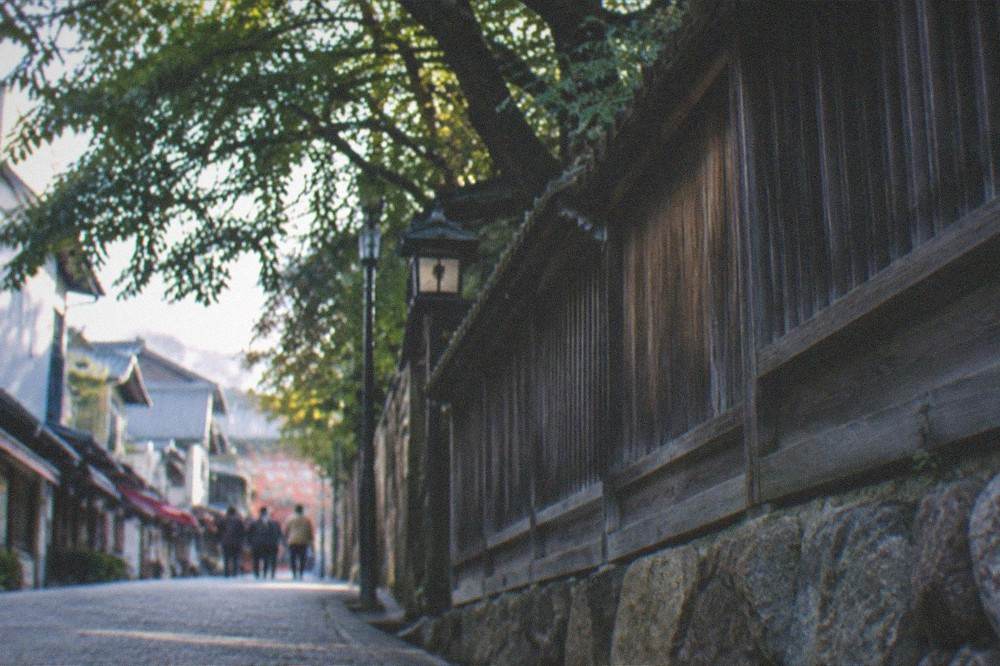
The closing advice is simple. Install before you fly, download your maps at the hotel each evening, carry ICOCA for the fares, and treat the connection as a tool for the gaps between the sights rather than a thing you need inside them. Kyoto's temples charge between 500 and 1,000 yen to enter and the paths of Fushimi Inari cost nothing, and both are better experienced with the phone in a pocket and the route already in your head. For everything the connection still has to answer, the Kyoto airport arrival guide and the Kyoto Travel Guide homepage carry the rest of the planning chain.